Before you start
What this post does: Gives you a fair evaluation framework — not a controlled lab verdict, and not a manufactured winner.
Both platforms are useful. They solve different bottlenecks. Expertex centers on connected creative production across images, video, voice, text, and Agent chat. Higgsfield centers on cinematic video direction plus URL-to-ad Marketing Studio automation.
Product capabilities and plans change. Before you buy, run the same disclosed brief on both, record dates and settings, and confirm current plan limits against first-party sources.
Sources to recheck: Expertex · Higgsfield AI Video · Higgsfield Marketing Studio.
Stage 1 — 30-second snapshot
If you only remember one frame, remember this.
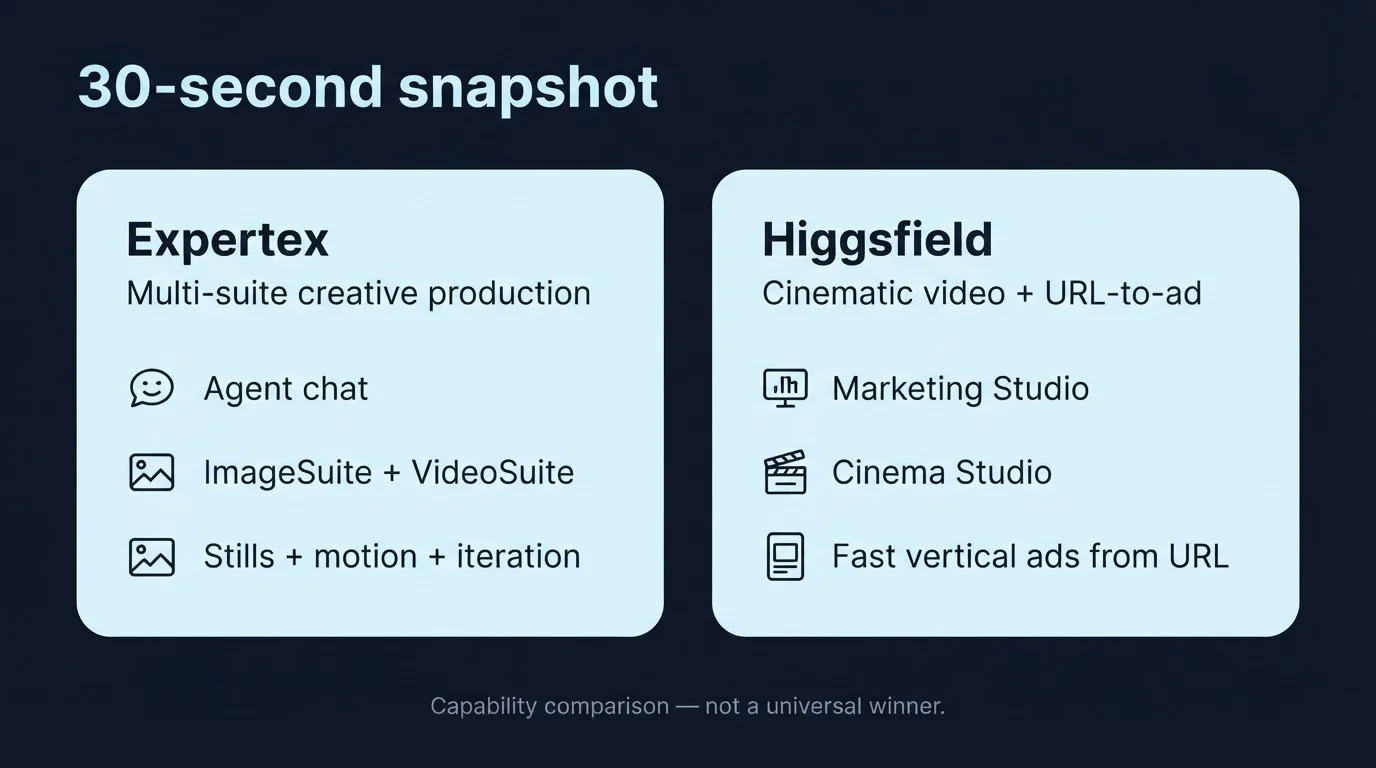
30-second snapshot — Expertex multi-suite production vs Higgsfield cinematic URL-to-ad
What it does: Collapses positioning into three lines so you pick the right first test — not the louder homepage claim.
| Expertex | Higgsfield | |
|---|---|---|
| Center of gravity | Multi-suite creative production | Cinematic video + URL-to-ad automation |
| Best-known entry | Expertex Agent, ImageSuite, VideoSuite | Marketing Studio, Cinema Studio |
| Typical win | Stills + motion + chat iteration in one platform | Fast vertical ads from a product URL with a pinned avatar |
Neither emphasis proves better results for every brief. The rest of this post shows how to test that claim yourself.
Stage 2 — What each platform actually is
Start with real product shapes — not slogans.
What it does: Separates verified Expertex product surfaces from Higgsfield claims published on their own pages (July 2026).
Expertex (verified product surface)
Expertex is an AI creative suite for teams that need images, video, voice, and text in connected workflows:
- ImageSuite — product photography, backgrounds, retouching, virtual try-on, logos, and image edits
- VideoSuite — text-to-video, image-to-video, multi-shot storytelling, UGC-style ads, and video edits
- Expertex Agent — chat that routes image and video jobs through clarify → approval card → generation
- Brand DNA — reusable brand context across suites
- VoiceSuite, TextSuite, Ecommerce Studio, Reel Studio, Prompt Builder — specialized workflows outside or beside Agent
What Expertex is not today: a marketing campaign planner, content calendar, auto-publisher, or a paste-a-URL ad factory inside one screen.
Higgsfield (from published materials)
Higgsfield centers on cinematic AI video and ad-oriented automation:
- Cinema Studio — virtual camera body, lens, and focal length; stacked camera movements; hybrid photo/video mode
- Marketing Studio — paste a product URL (or upload images), pick an avatar, choose a mode (UGC, TV Spot, Product Review, Unboxing, and others), generate with native audio / lip-sync via Seedance 2.0
- Soul 2.0 avatars — library presenters or custom avatars; pin and reuse across campaigns
- Reference-ad cloning — upload a viral ad reference, attach product and avatar, draft a tweakable script
- Multi-model access — Seedance 2.0, Kling, Veo, Sora, Wan, and others under one subscription (confirm current catalog on their site)
What Higgsfield is not positioned as: a full still-image ecommerce retouching suite or a separate text/voice production stack comparable to Expertex suite breadth.
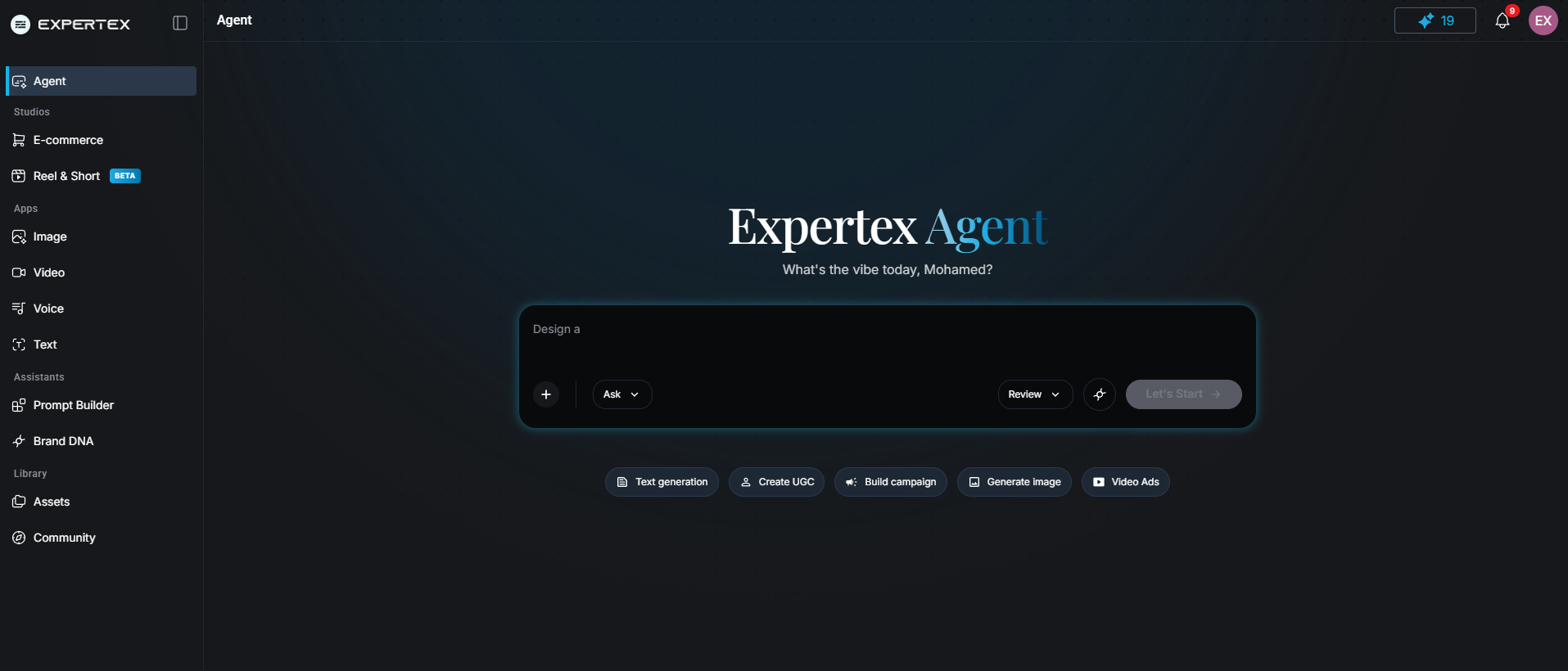
Expertex Agent — one of the Expertex entry points for image + UGC video jobs in a single chat thread
Feature checklists flatten real production work. Start with the job, not the logo on the pricing page.
Stage 3 — Capability matrix (verify hands-on)
Use this table as a shopping list for tests — not as a final score.
What it does: Maps categories to positioning and tells you exactly what to verify yourself.
| Category | Expertex | Higgsfield | Verify yourself |
|---|---|---|---|
| Primary strength | Image + video + voice + text + Agent chat | Cinematic video + URL-to-ad Marketing Studio | Which bottleneck your brief has |
| Video creation | VideoSuite: text/image-to-video, UGC, multi-shot, edits | Cinema Studio optical controls + Seedance 2.0 | Motion quality and controllability |
| UGC ads | VideoSuite UGC + Agent routing | Marketing Studio UGC, Product Review, Tutorial modes | Script fit, disclosure, product fidelity |
| Product stills | ImageSuite: product photos, backgrounds, retouching, try-on | Images extracted from product URL — limited retouching | Packaging accuracy at catalog scale |
| Brand consistency | Brand DNA across suites | Soul 2.0 pinned avatars across variations | Governance and reviewer traceability |
| Reel & multi-scene | Reel Studio for multi-scene short-form | Mode picker inside Marketing Studio | Scene continuity and export fit |
| Campaign entry | Suite apps, Agent chat, Ecommerce Studio | URL-to-ad, reference-ad cloning, mode picker | Iteration speed and review handoffs |
Stage 4 — Same brief, two paths
One skincare launch ad — walk both routes before you pick a favorite.
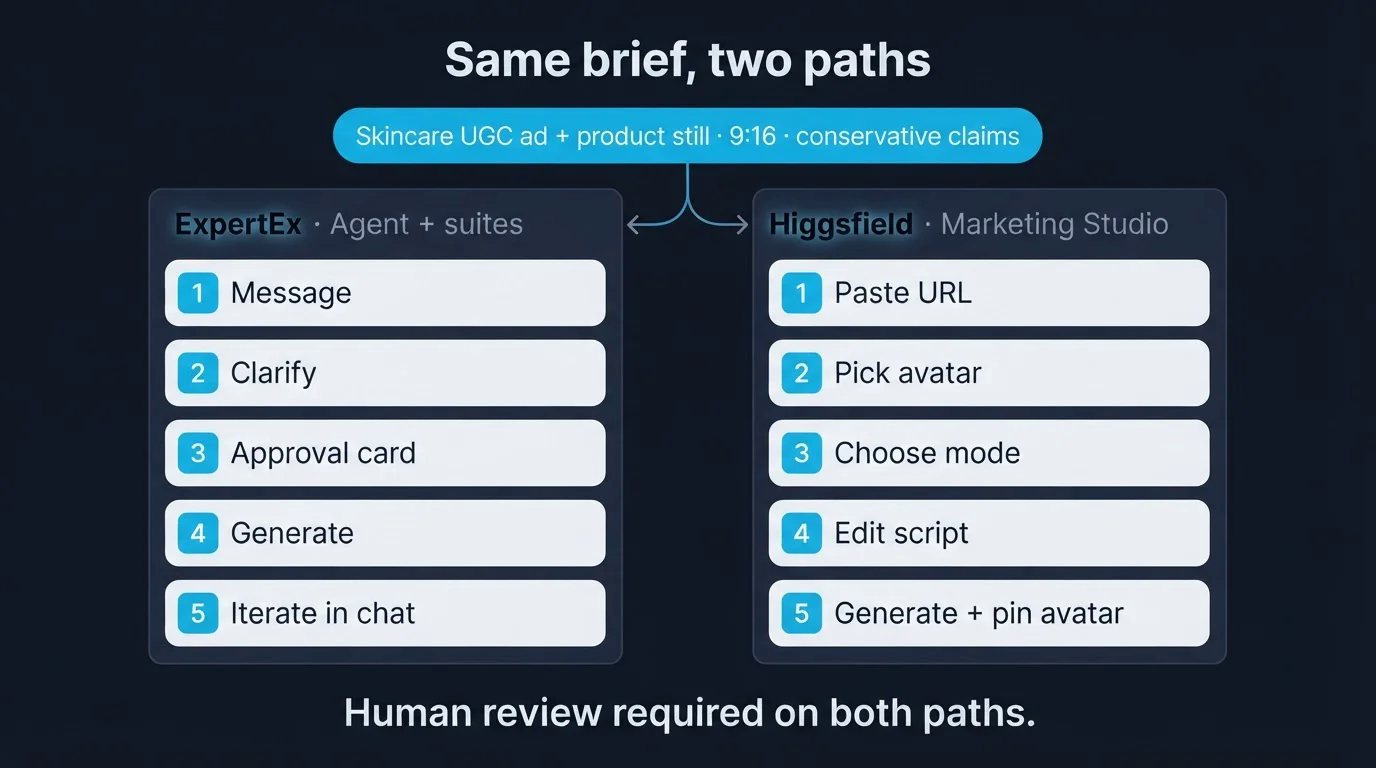
Same brief, two paths — Expertex Agent + suites vs Higgsfield Marketing Studio
What it does: Shows where the work lives on each platform for the same creative intent.
Shared brief: a vertical UGC-style ad for a skincare serum, conservative claims only, 9:16 for Instagram and TikTok, product packaging must stay readable — plus a clean ecommerce still if the launch needs listing images.
Expertex path (Agent + suites)
- Open Expertex Agent and paste the brief — optionally attach a product photo and Brand DNA.
- Answer clarifying questions about format or mood.
- Review the approval card — optimized prompt, tool (e.g. UGC ads), settings, credit estimate.
- Tap Generate — VideoSuite runs; the clip returns in the same chat.
- Ask for a companion product still in the same conversation if needed.
Higgsfield path (Marketing Studio)
- Paste the product URL — Marketing Studio extracts name, description, and images.
- Pick a Soul 2.0 avatar from the library or generate a custom presenter.
- Select UGC or Product Review mode.
- Edit the auto-drafted script if needed, then generate.
- Pin the avatar and rerun variations for A/B hooks without reshooting.
Neither path removes human review. Both need someone to check claims, packaging accuracy, and disclosure before publish.
| Step | Expertex (Agent + suites) | Higgsfield (Marketing Studio) |
|---|---|---|
| 1. Start | Describe the outcome in Agent chat | Paste product URL or upload images |
| 2. Setup | Agent infers format; approval card shows credits | Pick avatar, mode, edit auto-drafted script |
| 3. Stills | ImageSuite product shots in same thread | Product images extracted from URL |
| 4. Video | VideoSuite UGC ads or multi-shot | Mode-specific ad via Seedance 2.0 |
| 5. Consistency | Brand DNA across generations | Pinned Soul 2.0 avatar across variations |
| 6. Iterate | Follow-up in the same chat | Regenerate with same avatar/product |
| Outside scope | Voice, reels, text via other suites | Still-image catalog retouching at scale |
Stage 5 — Which job sounds like yours?
Pick the scenario closest to your brief — then know what to test first.
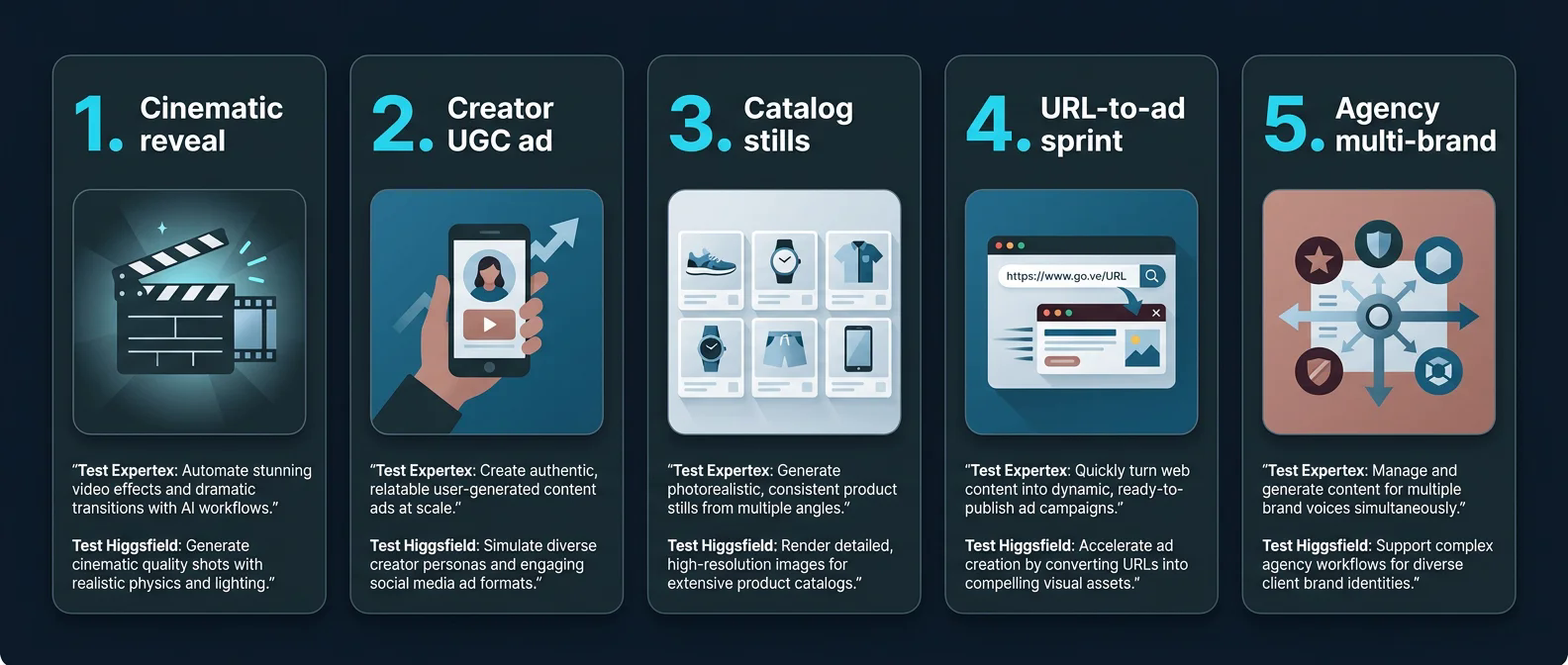
Which job sounds like yours — five test-first scenarios across Expertex and Higgsfield
What it does: Routes you to the first honest experiment instead of a feature-count debate.
| Your job | Test first on Expertex | Test first on Higgsfield |
|---|---|---|
| Cinematic product reveal | VideoSuite multi-shot | Cinema Studio optical controls |
| Creator-led vertical ad | Agent UGC path | Marketing Studio UGC mode |
| Catalog refresh (stills) | ImageSuite product photography | Unlikely the stills bottleneck solver |
| URL-to-ad sprint (10 variants) | Agent batch iteration | Marketing Studio + pinned avatar |
| Agency / multi-brand | Brand DNA + suite handoffs | Avatar reuse across variations |
Observable quality checks (use on every test)
- Product identity stays recognizable
- Requested camera move or handheld feel is present
- Hands, text, and labels are usable
- Shot continuity survives an edit
- Message fits the duration and channel spec
“Looks better” can stay subjective — but reviewers should write what they observed, not just a score.
Stage 6 — Steal the benchmark brief
Same inputs on both platforms. Adapt syntax only where a tool requires it — and document the adaptation.
What it does: Locks a fair creative intent so neither side gets a richer brief by accident.
Use source assets you own or may lawfully process. Prefer multiple disclosed attempts over publishing a single lucky or unlucky output.
15-second vertical UGC ad for a skincare serum launch on Instagram and TikTok. Bathroom morning light, authentic handheld feel. Product label must stay readable — do not invent pricing or clinical claims. Also create a clean ecommerce product photo on a soft neutral background.
Scene — Evaluation scorecard
What it does: Turns taste into a written record — objective checks first, subjective scores second, process notes last.
Fill one scorecard per platform. Keep failures. Blind-score if you can.
PLATFORM EVALUATION SCORECARD

Brief tested:
Date / Reviewer:

OBJECTIVE (pass / fail / notes)
[ ] Correct aspect ratio and duration
[ ] Product packaging readable and accurate
[ ] Requested camera behavior present
[ ] No invented claims, pricing, or stats
[ ] Usable hands, text, and continuity
[ ] Export meets channel spec

SUBJECTIVE (1–5 + notes)
Mood and visual taste:
Hook strength:
Editability for next revision:

PROCESS NOTES
Attempts per platform:
Model/mode used:
Credits or cost observed:
Time to usable output:
Failed outputs preserved? (Y/N)

CONCLUSION (narrow — not a universal winner)
Best fit for THIS brief:
Evidence gaps:
Stage 7 — 10-minute benchmark plan
Fair comparisons need the same brief and transparent conditions.
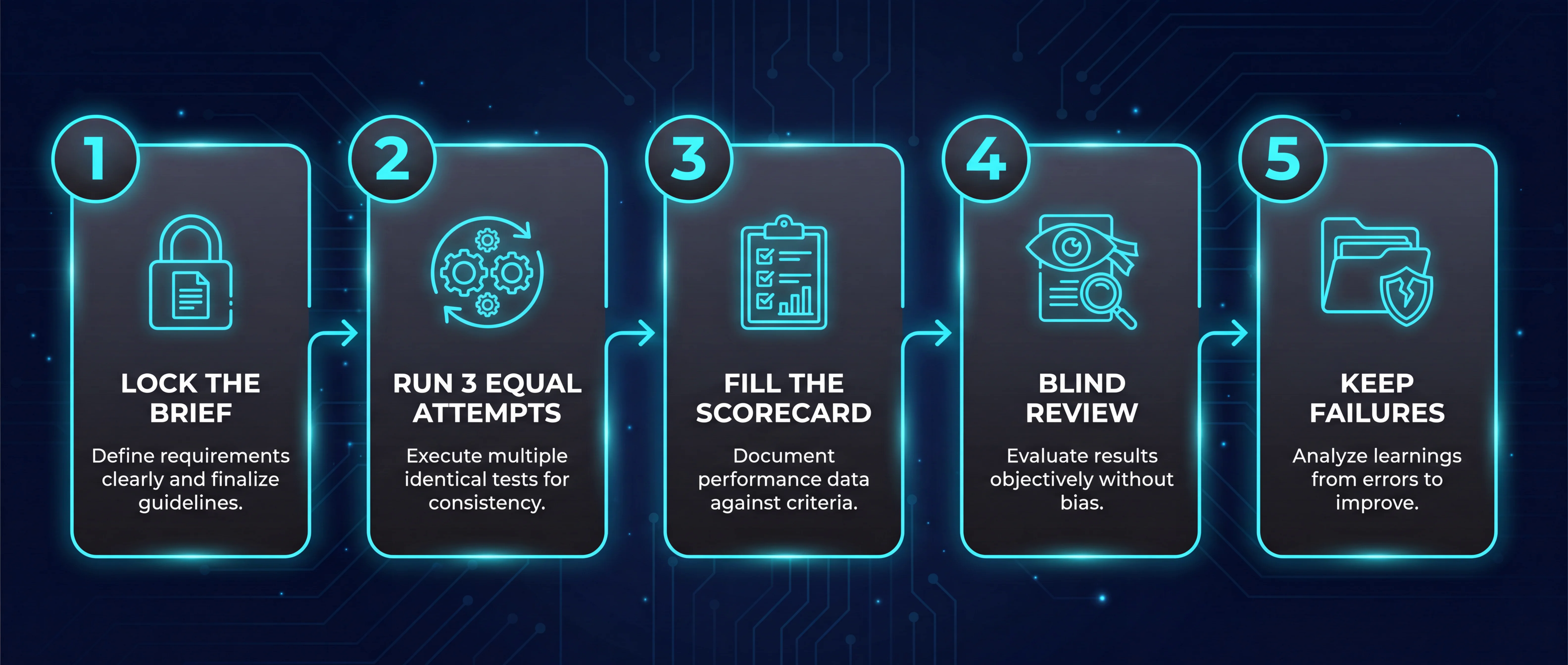
10-minute benchmark plan — lock brief, run equal attempts, score, blind review, keep failures
What it does: Compresses a controlled test into five moves you can finish before lunch.
- Lock the brief — use the Agent prompt above or your own; save it unchanged.
- Run 3 equal attempts on each platform — same inputs, same acceptance criteria.
- Fill the scorecard — one row per platform.
- Blind review — a second reviewer scores without seeing the platform label.
- Keep failures — a rejected clip often tells you more than the best render.
Pricing comparisons need care. Compare the current plan needed to complete the benchmark, what an attempt consumes, export restrictions, commercial-use terms, and likely retry behavior. Avoid reducing unlike credit systems to a single cost-per-video number unless the methodology accounts for usable outputs and revision work.
Stage 8 — Honest limits on both sides
Accurate expectations keep the evaluation trustworthy.
What it does: Names the ceilings so nobody ships a false comparison.
| Limit | Expertex | Higgsfield |
|---|---|---|
| Campaign automation | No content calendar or auto-publish | URL-to-ad pipeline but no full campaign OS |
| Agent scope | Image + video only; voice/reels elsewhere | N/A — no chat-agent model |
| Stills depth | Full ImageSuite retouching suite | Images from URL — limited editing |
| Presenter consistency | Brand DNA (context-based) | Soul 2.0 avatars (face-pinned) |
| Video length | Suite-dependent durations | Short defaults on many modes; longer may need stitching |
| Human review | Still required for claims + packaging | Same — no platform removes compliance |
This comparison deliberately does not name a universal winner. Weight criteria before testing, report bounded observations, and state where evidence was inconclusive. Many teams reasonably use different tools for different stages.
This comparison deliberately does not name a universal winner. Weight your criteria, report bounded observations, and state where evidence was inconclusive.